Thumbnails for the 316 formats Windows can't read.

SageThumbs 2K is a fast, crash-isolated shell extension that renders camera RAW, PSD, HEIC, video, ebooks and comics directly in File Explorer.

Free and source-available64-bitabout 9 MB

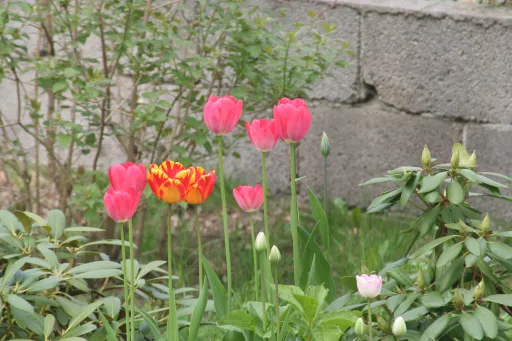
Canon raw photo of red poppies in a field, rendered as a thumbnail
CR2
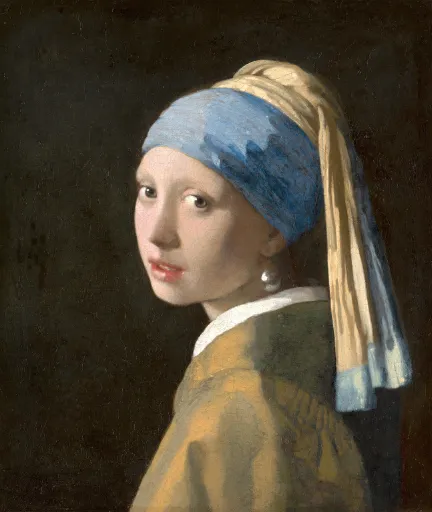
A classic portrait painting decoded from an Apple HEIC file
HEIC
A representative frame from an MKV video of a beach
MKV
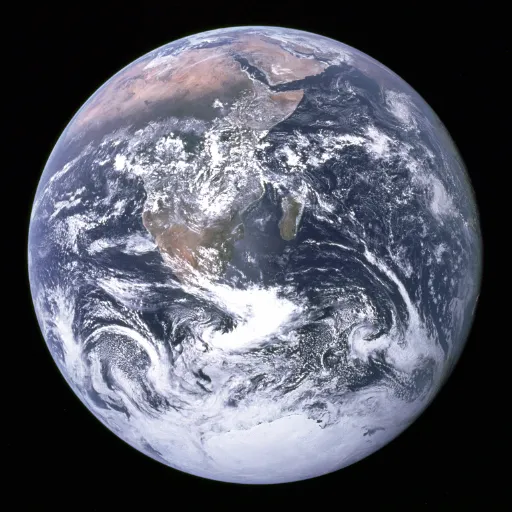
Cover art of Earth from space, pulled from an EPUB ebook
EPUB
A layered Photoshop PSD design file with a colour palette and artwork
PSD
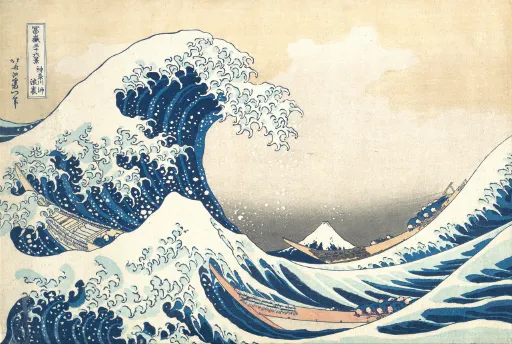
The Great Wave artwork shown as a CBZ comic cover
CBZ
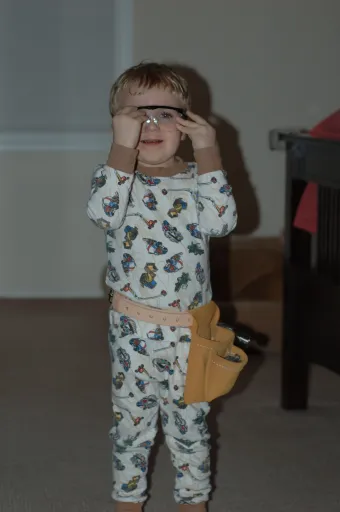
Nikon raw portrait of a child, rendered as a thumbnail
NEF
A flat vector illustration of pyramids at sunset from an SVG file
SVG
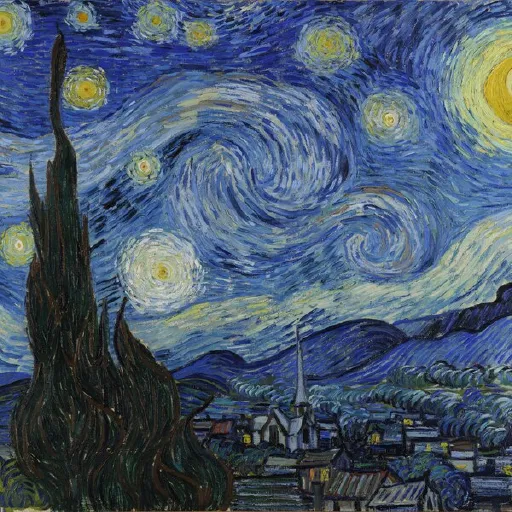
Starry Night album artwork embedded in a FLAC audio file
FLAC
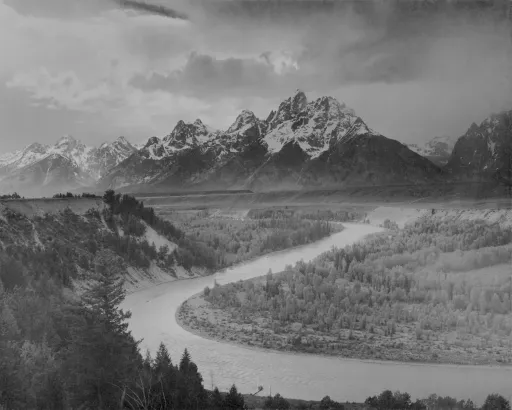
A high dynamic range mountain landscape from an OpenEXR file
EXR
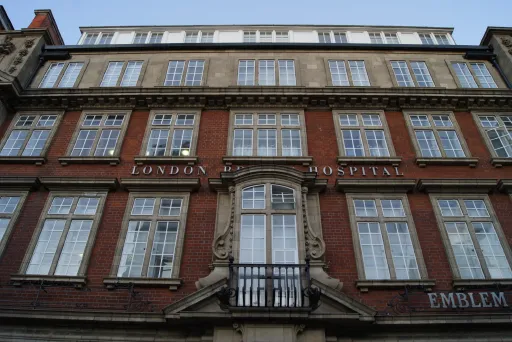
Sony raw architectural photo of a brick building
ARW
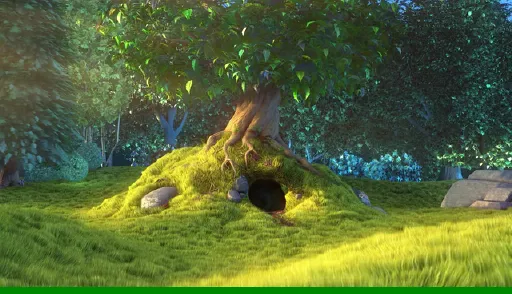
A representative frame from an MP4 video of a forest path
MP4
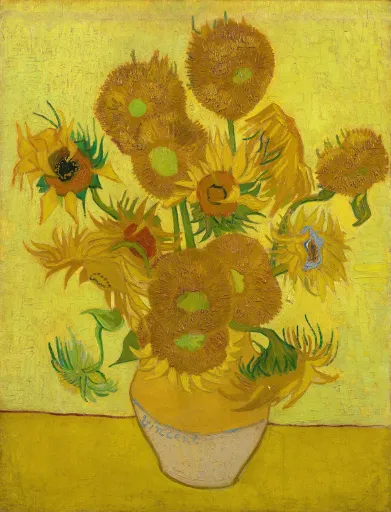
Sunflowers painting decoded from a GIMP XCF file
XCF
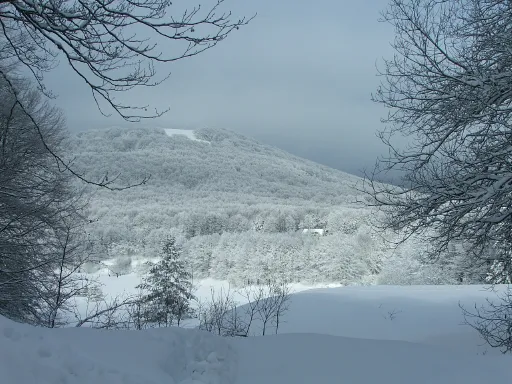
Fujifilm raw photo of a misty winter lake
RAF
316 formats, 6 categories

The long tail of formats, all in one extension.

Windows ships codecs for a handful of common types. Every other extension is content-sniffed and routed to a pure-Rust decoder, the Windows codecs, or an isolated converter. First match wins.

Image 188

.3dm .3mf .af .afdesign .afphoto .afpub .aftemplate .ai .apng .avci .avif .blend .blend1 .blend10 .blend11 .blend12 .blend13 .blend14 .blend15 .blend16 .blend17 .blend18 .blend19 .blend2 .blend20 .blend21 .blend22 .blend23 .blend24 .blend25 .blend26 .blend27 .blend28 .blend29 .blend3 .blend30 .blend31 .blend32 .blend4 .blend5 .blend6 .blend7 .blend8 .blend9 .bmp .bw .c4d .cal .cals .cdr .cdt .cin .clip .cmx .cur .cut .cxr .dcm .dcx .dds .dib .dpx .dwg .dxt1 .dxt5 .emf .emg .emz .eps .exr .f3d .farbfeld .fcstd .ff .fits .fl32 .fts .gco .gcode .gif .hdp .hdr .hdri .heic .heics .heif .heifs .hif .icb .icns .ico .icon .iff .ilbm .indt .j2c .j2k .jbig .jfif .jng .jnx .jp2 .jpc .jpe .jpeg .jpf .jpg .jpm .jps .jpx .jxl .jxr .kra .lbm .livp .mac .mat .max .miff .mng .mpo .ora .pam .pbm .pcd .pcx .pdb .pdd .pes .pfm .pgm .pgx .ph .phm .pix .png .pnm .ppm .procreate .psb .psd .psdt .psp .pspimage .ptif .pwp .qoi .ras .rgbe .rla .rle .rmf .scr .sct .sf3 .sfw .sgi .skb .sketch .skp .sti .sun .svg .svgz .tga .tif .tiff .tiff64 .tim .tm2 .tpic .vda .vicar .viff .vips .vst .wdp .webp .wmf .wmp .wmz .wpg .xbm .xcf .xd .xpm .xv .xyze

Document 42

.djv .djvu .doc .docm .docx .dot .dotm .dotx .ggb .indd .key .numbers .odf .odg .odp .ods .odt .otp .ots .ott .pages .pdf .pot .potm .potx .pps .ppsm .ppsx .ppt .pptm .pptx .pub .vsd .vsdm .vsdx .xls .xlsb .xlsm .xlsx .xlt .xltm .xltx

Camera RAW 34

.3fr .arw .bay .cap .cr2 .cr3 .crw .dcr .dcs .dng .drf .erf .fff .iiq .k25 .kdc .mdc .mef .mos .mrw .nef .nrw .orf .ori .pef .ptx .pxn .raf .rw2 .rwl .sr2 .srf .srw .x3f

Video 22

.3g2 .3gp .asf .avi .divx .f4v .flv .m2ts .m2v .m4v .mkv .mov .mp4 .mpeg .mpg .mts .ogv .qt .ts .vob .webm .wmv

Audio 18

.aac .aif .aifc .aiff .ape .flac .m4a .m4b .mp3 .mpc .oga .ogg .opus .spx .wav .wma .wv

Ebook & comics 12

.azw .azw3 .cb7 .cbr .cbt .cbz .epub .fb2 .fbz .mobi .phz .prc
No app to open

It lives inside File Explorer.

Thumbnails appear the moment a file lands in a folder. Right-click any supported file for a built-in image toolkit. Open Settings to choose exactly which formats get hooked, and cap size and quality.

Folders that show their contents

RAW shoots, renders, icons and documents preview right in the grid, instead of a wall of identical blank icons.

  • Generated on demand, the moment a file appears
  • Cached by Windows, so the second look is instant
  • Read-only, and nothing leaves your machine
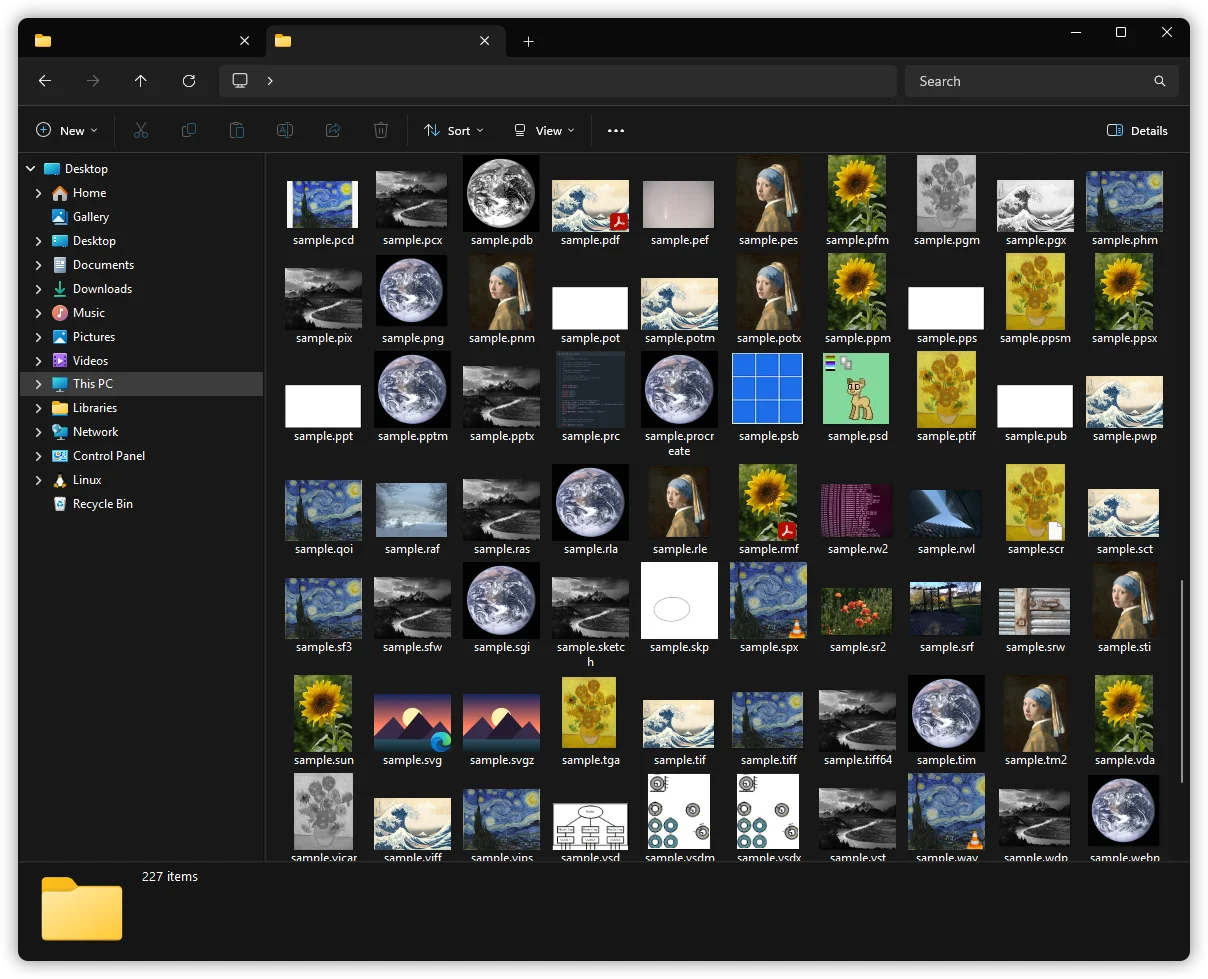
A Windows 11 File Explorer window filled with colourful thumbnails generated by SageThumbs 2K

You decide what hooks

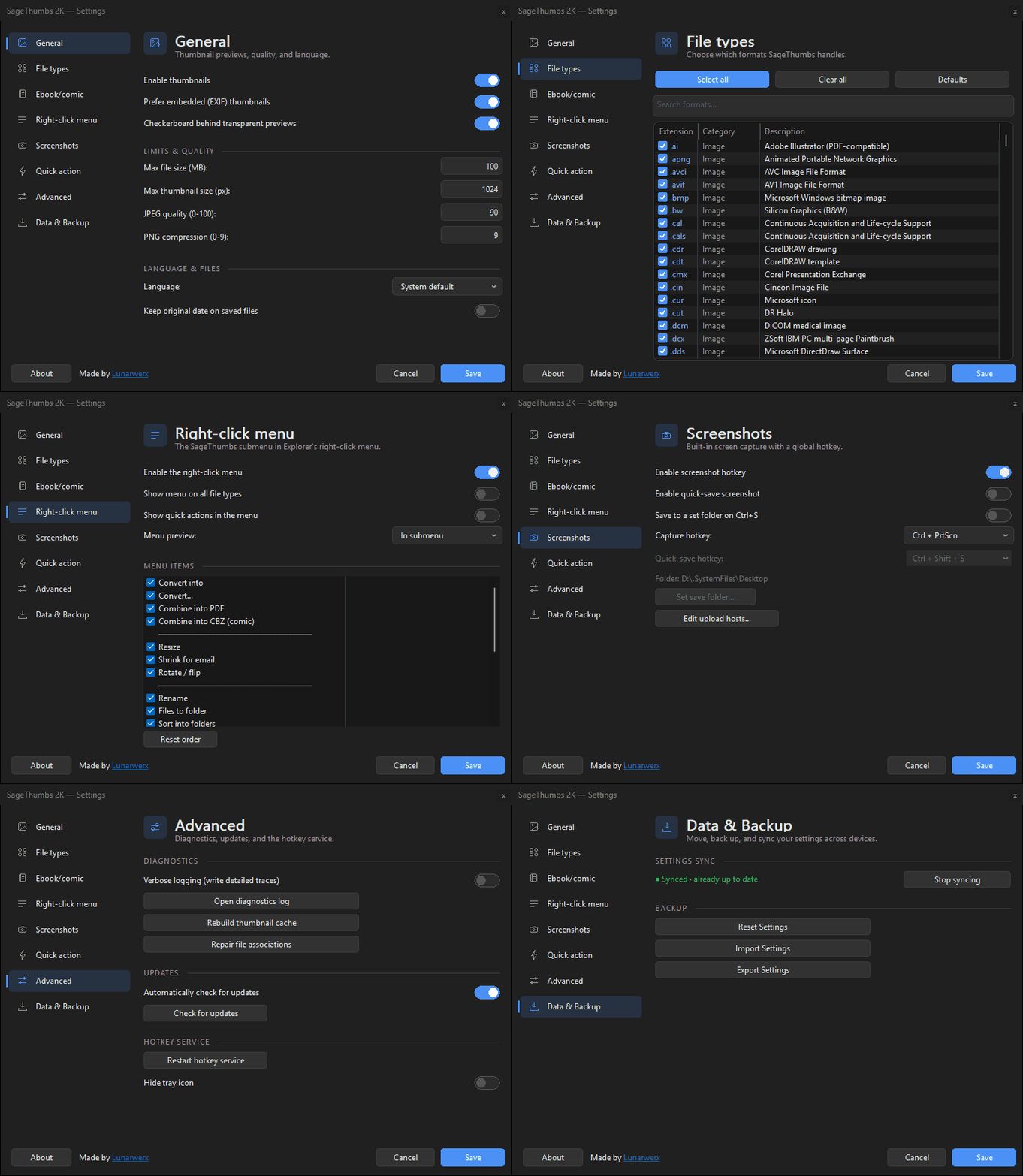
A dark Settings panel matching Windows: toggle any of the 316 types, cap size and quality, prefer embedded previews, and reorder the menu.

The SageThumbs 2K Settings window cycling its category tabs — a Win11-style nav rail, toggle switches, and system-following dark mode

Convert anything, in bulk

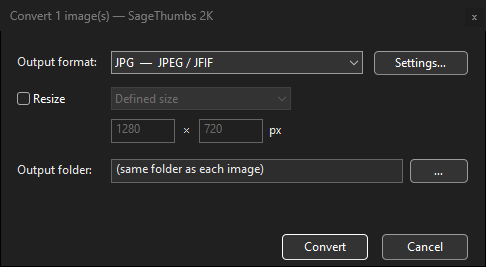
Right-click a selection and Convert… to JPG, PNG, WebP, TIFF and more — set the size, quality and output folder. Whole batches run in parallel, and your originals are never touched.

  • Resize by fit, percentage or exact pixels
  • Per-format quality — JPEG, WebP lossless, PNG level
  • Parallel batches, output beside each file or in a chosen folder
The SageThumbs 2K Convert dialog — output format, resize, per-format quality and output-folder options
For power users and AI agents

A command line and an MCP server, in the box.

Everything the menu does, st2k.exe does from the terminal. It also speaks MCP, so an AI agent can view any of the 316 formats as a real image and act on it.

  • Scriptable batchThumbnail or convert whole folders in parallel, in one process.
  • OCR and PDF toolsPull text out of images, stitch many pages into one file.
  • An agent-ready view toolLet a model see a RAW, PSD or HEIC it otherwise could not open.
st2k
# render any of 316 formats to an image
$ st2k thumbnail photo.cr2 out.png --size 512

# batch a whole folder, in parallel
$ st2k batch thumbnail .\raw\ --size 512
  rendered 248 files

# RAW to PNG, no Photoshop needed
$ st2k convert render.psd out.png

# expose every format to an AI agent
$ st2k --mcp
  MCP server ready: view, convert, ocr ...

Safe by construction, not by promise.

It runs inside explorer.exe, so the bar for trust is high. SageThumbs 2K is built to clear it.

Memory-safe Rust

Written in Rust and sandboxed at every Explorer boundary, with a panic guard on each COM call. A broken or hostile file cannot crash File Explorer or reach your system.

Read-only by default

Thumbnailing never writes to your files. The toolkit only writes when you ask it to, and it creates new files rather than overwriting the original.

Free and source-available

Free for personal use under the PolyForm Noncommercial license, with the full source on GitHub. Read it, audit it, or build it yourself.

Questions, answered.

Is it really free?
Yes, free for personal and non-commercial use, with full source available. It is licensed PolyForm Noncommercial 1.0.0; only commercial deployment needs a separate license.
Is it safe to run?
The code is public, written in memory-safe Rust, and every file is decoded inside crash-isolated boundaries with bomb guards. A malformed file cannot take down Explorer or the rest of your system.
Will it slow down Explorer?
No. Thumbnails are generated on demand and cached by Windows, the fast paths are pure Rust, and heavy decodes run out of process. You can also cap the maximum file and thumbnail size in Settings.
Why does Windows SmartScreen warn me?
The installer is not code-signed, since signing means a paid certificate, so Windows shows its default warning for any new publisher. Click More info then Run anyway. You can also build from source.
Which versions of Windows?
Windows 11 and Windows 10, 64-bit. The modern right-click menu and the classic menu are both supported.
Which formats are supported?
316 across Image, Camera RAW, Document, Video, Audio and Ebook or comics. Run st2k formats for the full, live list.

Stop staring at blank icons.

Install once. Every RAW, PSD, HEIC, video and comic in your folders just shows up.

v0.7.0  ·  64-bit  ·  about 9 MB  ·  Windows 11 and 10